Definition: |
In a product family, the various features are defined with the possible forms of a product. |
A "Product family" (G.PPM) is an element type and therefore has all the characteristics of an element.
They can be sorted, duplicated, etc. just like other elements.
In the administration area, it is possible to define usage rules for product families and grant permissions
One or more "Product features" can be defined within a product family.

A product family can have the following tabs. They can be shown and hidden using “Element configurations".
|
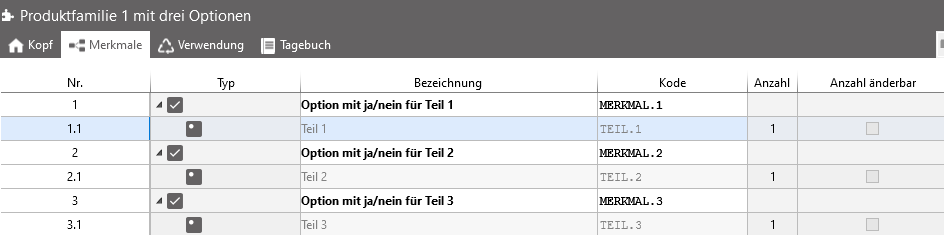
In the "Features" tab, features can be created and previously created features can be assigned to the product family. Features are created in the ribbon using the "New row" button. For a new feature, the "Type", "Description", "Code", "Quantity", and one of the options for "Number changeable" must be specified. Features that have already been created can be added to the "Features" tab via manual code input, drag and drop, or copy and paste.
 |