In the "Features" tab, product features can be created and previously created “Product features" can be assigned to the product family.
New features can be created in the ribbon using the "New row" button. See also: Create product features
For a new product feature, the "Type", "Description", "Code", "Quantity", and one of the options for "Number changeable" must be specified.
Previously created product features can be added to the "Feature" tab via manual code entry, drag and drop, or copy and paste.
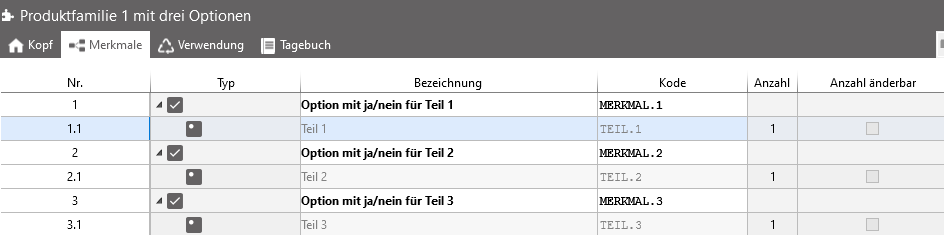
"Feature" tab of a product family with created product features