The "Dependency graph" tab can be used to define predecessor–successor dependencies between work contents, i.e. the assembly sequence of the process steps in a maximum balancing.
Properties:
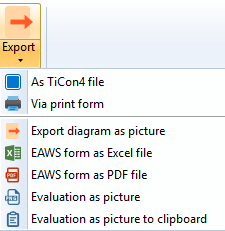
▪Dependency graph data can be imported and exported
▪Dependency graph data can be printed
▪The dependency graph can be used together with “Dependency graph and Simultaneity"
View:
The tab is divided into two horizontal sections:
▪Top: The dependency graph table
▪Bottom: The work contents, similar to the display of work contents in the "Assignment" tab. Assigned and unassigned work contents can be shown and hidden by using the checkboxes at the top of the work content table.
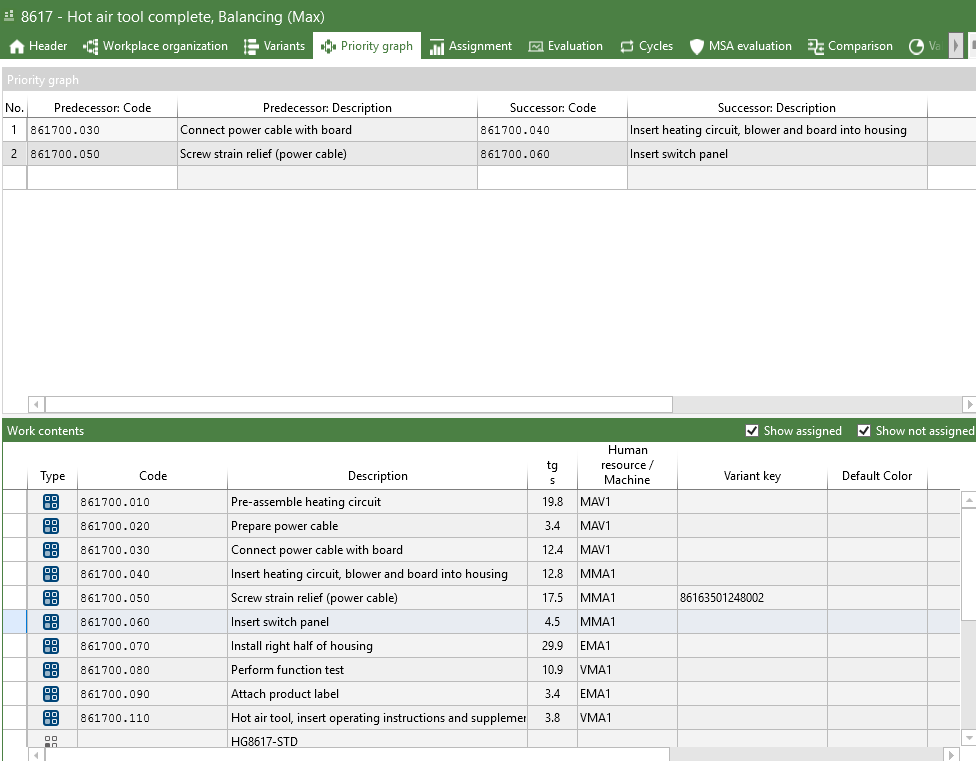
Dependency graph with four assigned work contents
Working with the dependency graph:
Work contents can be assigned in several ways: 1.Drag and drop the work content into the desired column of the dependency graph 2.Via an element search in the context menu: 3.Using the drop-down menu: 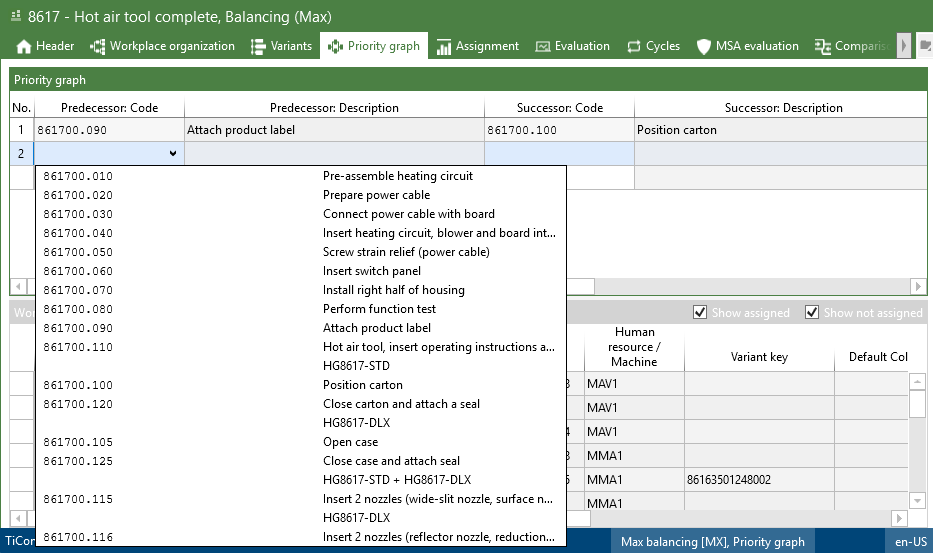 Assignment using the drop-down menu 4.From the clipboard 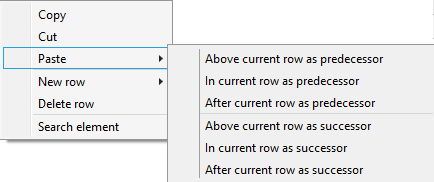 "Insert" context menu |
Work contents can be removed in several ways: 1.Open the context menu by right-clicking the work content in the dependency graph and select "Delete row" 2.Open the context menu by right-clicking the work content in the dependency graph and select "Cut" (In this case, the work content is copied to the clipboard and can be pasted elsewhere with "Insert") 3.Highlight the row and press the Delete key on the keyboard |
Open the context menu by right-clicking the desired row in the dependency graph and select "New row". The selection dialog allows you to determine the position of the new row. 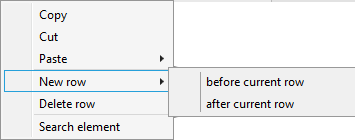 "New row" context menu |
Select the "Dependency graph" button via the "Refresh" button in the ribbon. 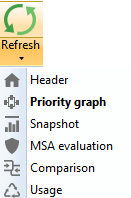 |
 Violation of the rules of the dependency graph in the assignment
TiCon automatically checks whether the rules defined in the dependency graph are adhered to in the assignment. If these rules are violated, e.g. if a successor work operation is assigned before a predecessor work operation, TiCon recognizes this as a rule violation. In this case, a warning is displayed at the corresponding work operation: If you move the mouse over the warning, more detailed information on the type of error is displayed:  Warning if the rules of the dependency graph are violated |