The Dashboard is your cockpit, It is displayed directly after starting TiCon and helps you to quickly start or continue your work. Here, you can open your recently used:
.
Please note: |
It is possible to limit the number of the last used elements or folders that are displayed, see Administration / Program. |
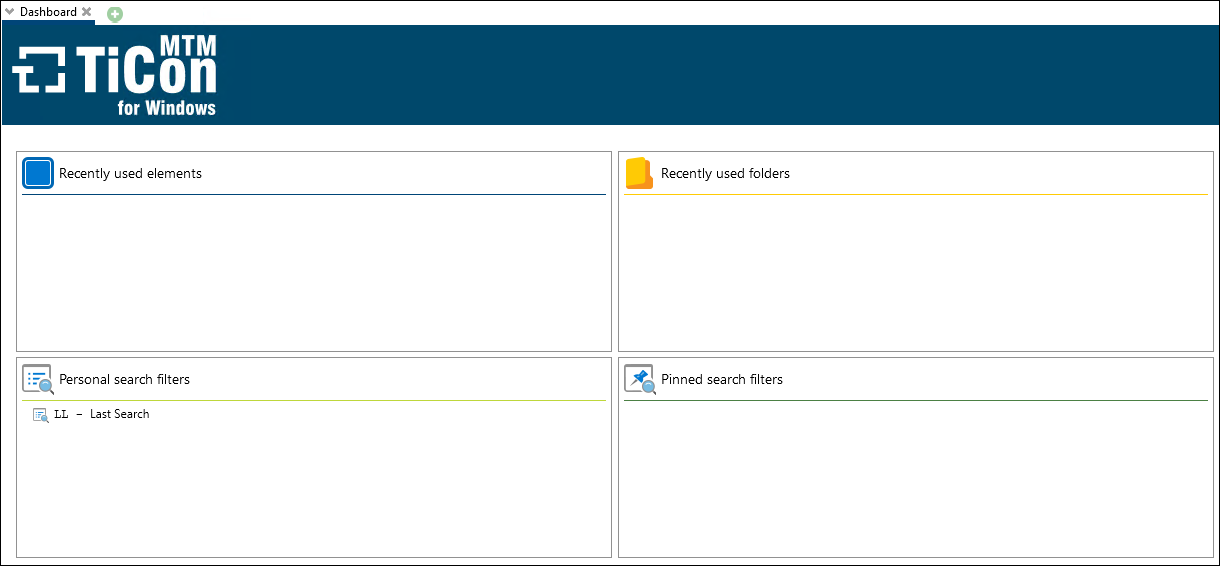
Dashboard
Under "Personal search filters", all of your own search filters are listed. All pinned search queries are displayed under Pinned search filters. The system also displays the number of hits and, if you click on the respective entry, the corresponding search results.