In the Process monitor tab of the element configuration Process cockpit / Process design, the following settings can be made.
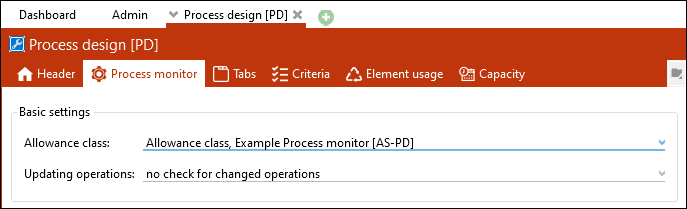
The "Process monitor" tab of the "Process design" [PD] element configuration
Allowance class
Here it is possible to assign a predefined allowance class to the element configuration.
Updating operations
By default, it is set to "no check for changed operations", so that changes are only loaded after a manual refresh by clicking the "Refresh" button. If changes at operations are supposed to be made automatically when opening an element, you have to select "Automatic refresh".