In this part of the administration, settings are made which are valid for all users and the complete program. All settings are saved in the database, so that they are available for all users without a restart.
The TiCon administration is opened in the "Home" ribbon via the corresponding "TiCon Admin" button. This button is only available for users with the Administrator role.

Home ribbon
After opening the Admin, you can make various settings. The individual settings in the administration are selected in the tree view on the left-hand side of the user interface.
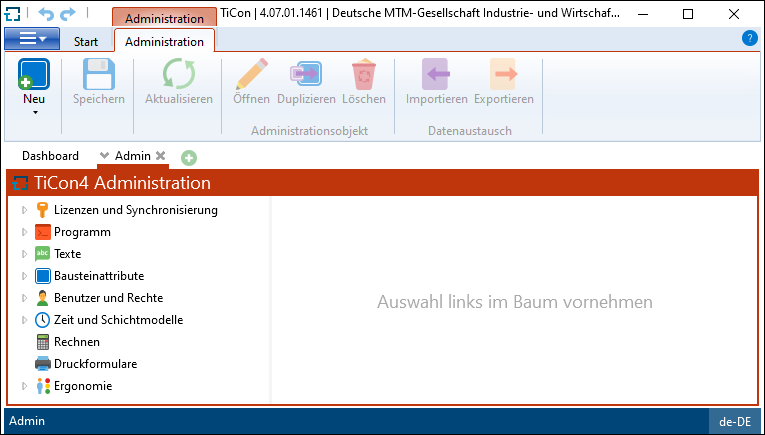
Tree view in the TiCon Administration
For the TiCon Administration, there is a separate ribbon, which changes according to the context.