The standard tabs Header, Tabs and Criteria and Block Usage and Workplace Organization are available for block configuration.
A special feature is the EAWS®-Aggregation tab.
More about this: |
|
|
|
|
|
|
|
|
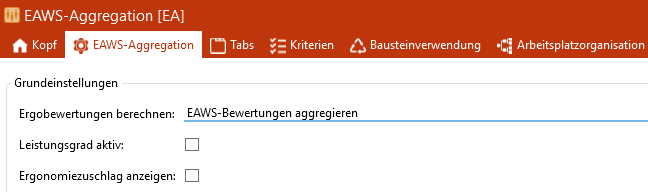
Tab EAWS®-Aggregation
The following options are available for the Calculate ergo ratings area: ▪Calculate EAWS® evaluation ▪Aggregate EAWS® evaluation |
The calculation of the performance level can only be activated if the EAWS® evaluation mode has been selected in the "Calculate ergo evaluation" area. If a performance level is defined in the module configuration, the time adjusted in accordance with that performance level is used to calculate the EAWS® evaluation. |
 Display Ergonomics allowance time
If this function is activated, the ergonomic allowance is displayed. |