The work contents are displayed in list form in the "Assignment" tab. All assigned and unassigned processes are displayed there.
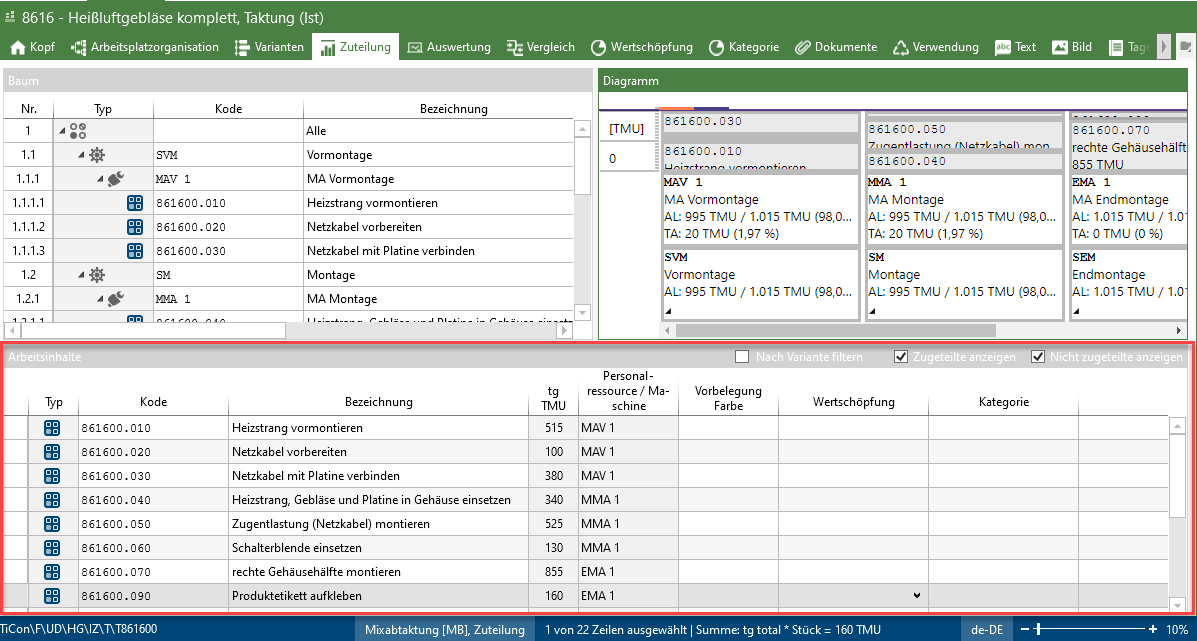
List of work contents in the "Assignment" area
The column order of the list is variable and the entries can be sorted by clicking on the column headers.
The displayed columns can be shown or hidden by clicking the "Select columns" button in the "Assignment" ribbon.

The checkboxes at the top of the list allow you to display assigned and unassigned contents. Work contents can also be filtered by variant in mix and maximum balancings. If a filter setting is selected, it is saved for each user and element configuration.  |
Please note: |
An element can be available in the work contents more than once and allocated with different process indicators. |