The data basis corresponds to an analysis, in whose structure all operations have been entered. If you select a data basis for a balancing, the list of work operations is automatically filled with all processes from the structure of the data basis element.

Via the ribbon 1.Open the desired balancing 2.Select the "Header" or "Workplace organization" tab 3.Click the "Select" button in the "Data basis" area 4.Select data basis In the header of the balancing 1.Open the desired balancing 2.Select the "Header" tab 3.Click the "Select data basis" icon 4.Select data basis |
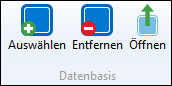
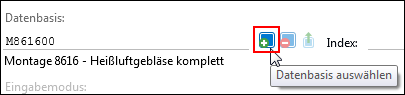
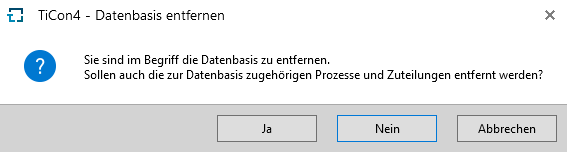
Via the ribbon 1.Open the desired balancing 2.Select the "Header" or "Workplace organization" tab 3.Click the "Remove" button in the "Data basis" area of the ribbon 4.In the "Remove data basis" dialog, decide whether to also remove the processes and assignments associated with the data basis In the header of the balancing 1.Open the desired balancing 2.Select the "Header" tab 3.Click the “Remove data basis" icon 5.In the "Remove data basis" dialog, decide whether to also remove the processes and assignments associated with the data basis 6. |
Via the ribbon 1.Open the desired balancing 2.Select the "Header" or "Workplace organization" tab 3.Click the "Open" button in the "Data basis" area of the ribbon In the header of the balancing 1.Open the desired balancing 2.Select the "Header" tab 3.Click the “Open data basis" icon
|
Please note: |
If the data basis is replaced by a new data basis, the user receives a note that assignments from the previous data basis might be removed. Click "No" to cancel the replacement of the data basis. |