There are several ways to create a product feature.
|
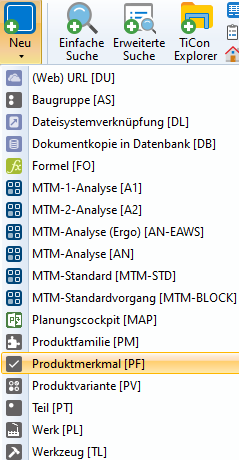
|
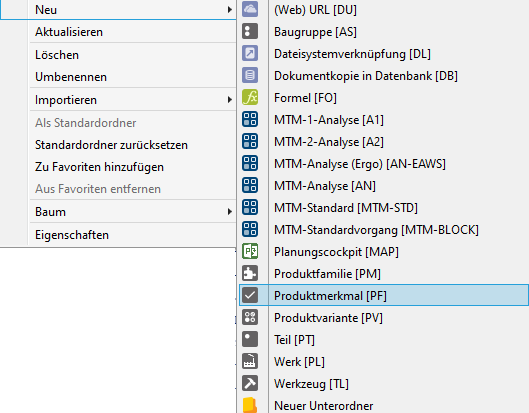
 3. In the "Feature" tab of a product family
To do this, create a new row in the "Feature" tab using the "+" button "New row" and assign a code and description.
"Create feature" button Then open the newly created product feature, assign master data and select "Selection mode". |

Note |
Individual product features can be combined in folders for better structuring. |