There are different ways to create a product family:
You can create a new product family in the context menu or using the "New" button in the ribbon. The code, description and other master data are stored in the header. 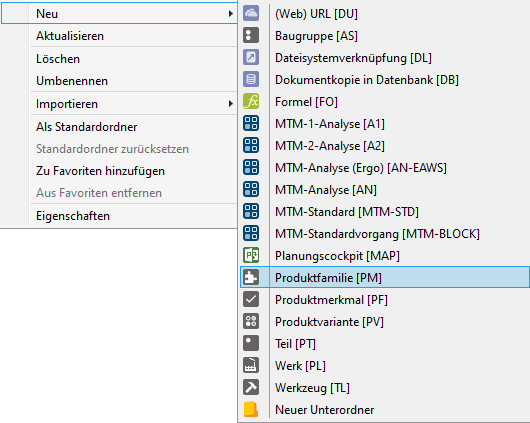 |
You can create a new product family in the context menu or using the "New" button in the ribbon. The code, description and other master data are stored in the header. Creating a product variant via the context menu in Explorer 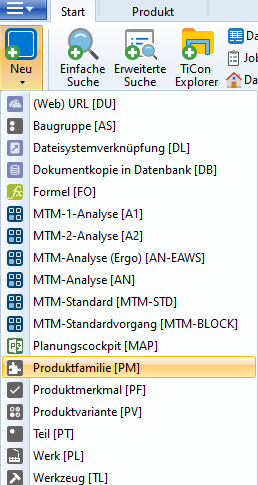 Creating a product family via the "New" button in the "Home" menu |
 Header tab of a product family
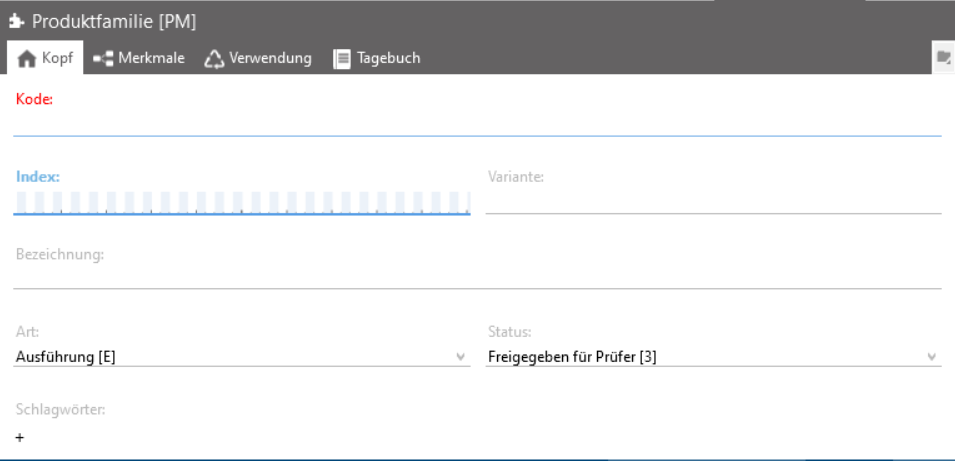 Header tab of a product family |
Assigning a product family to a product variant
The desired product family can be assigned directly via the header tab of a product variant. As soon as a product family is assigned, the current structure of the product family is copied to the product variant. More about this: Header |