Using the context menu or the ribbon, it is possible to add documents, e.g. pictures, to a station, an operator or a machine (please compare the usage of documents in the structure of an element).
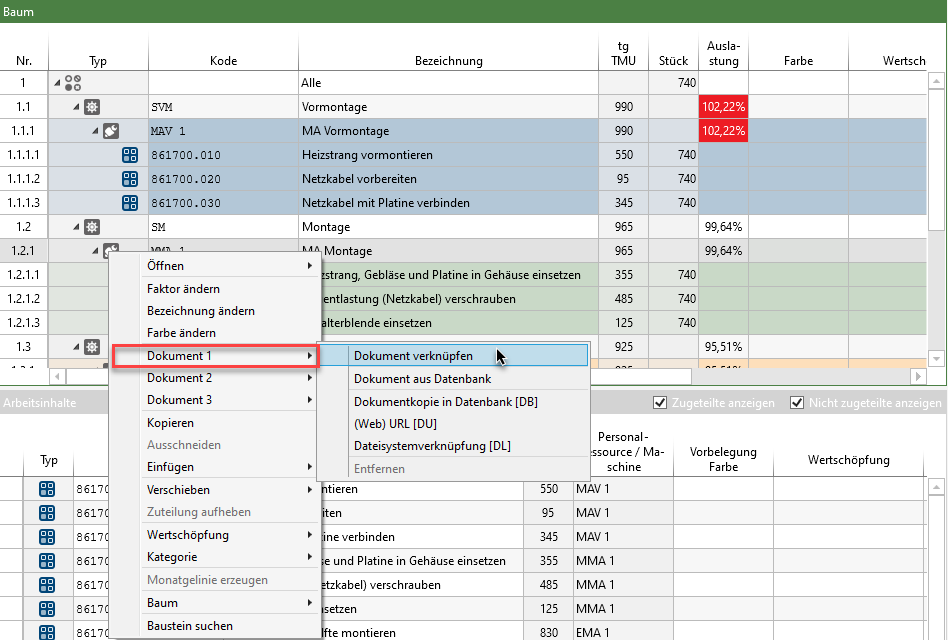
Add a document to an operator using the context menu
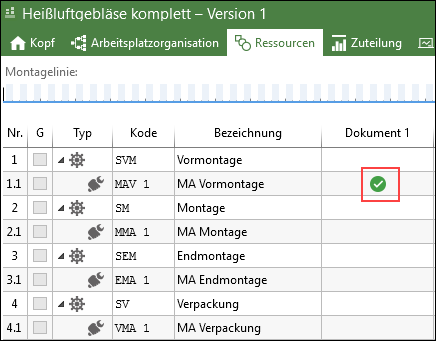
Display of inserted document as green checkmark (Document column must be active)
The green checkmark in the "Document" column shows that the document is referenced.
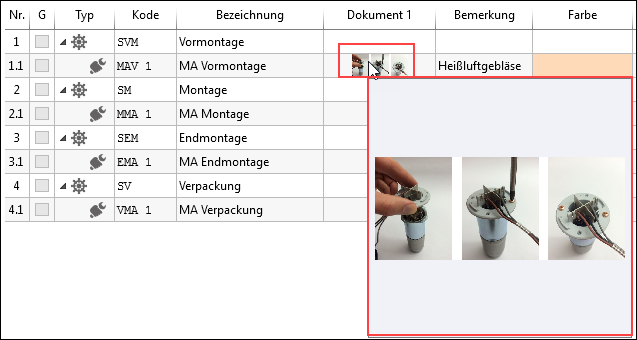
Moving the mouse pointer over the icon displays a preview image in the cell. Moving the mouse pointer over the picture preview enlarges the picture.
The linked document is also shown in the "Documents" tab. Here you will also find information on the file type, creator, file size, etc.
