Please note: |
Assignment in a maximum balancing works according to the same principles as in standard balancing and mix balancing. |
The selection options for variants in the assignment are omitted in the maximum balancing as a process is always allocated to ALL variants.
The validity, i.e. whether a process takes place in a variant or not, is determined by the variant key.
However, the displayed variant can be selected in the ribbon in the "Product variants" area. The assignment is always made for all variants.
The tree and graphic representations correspond to "All variants" in the mix balancing.
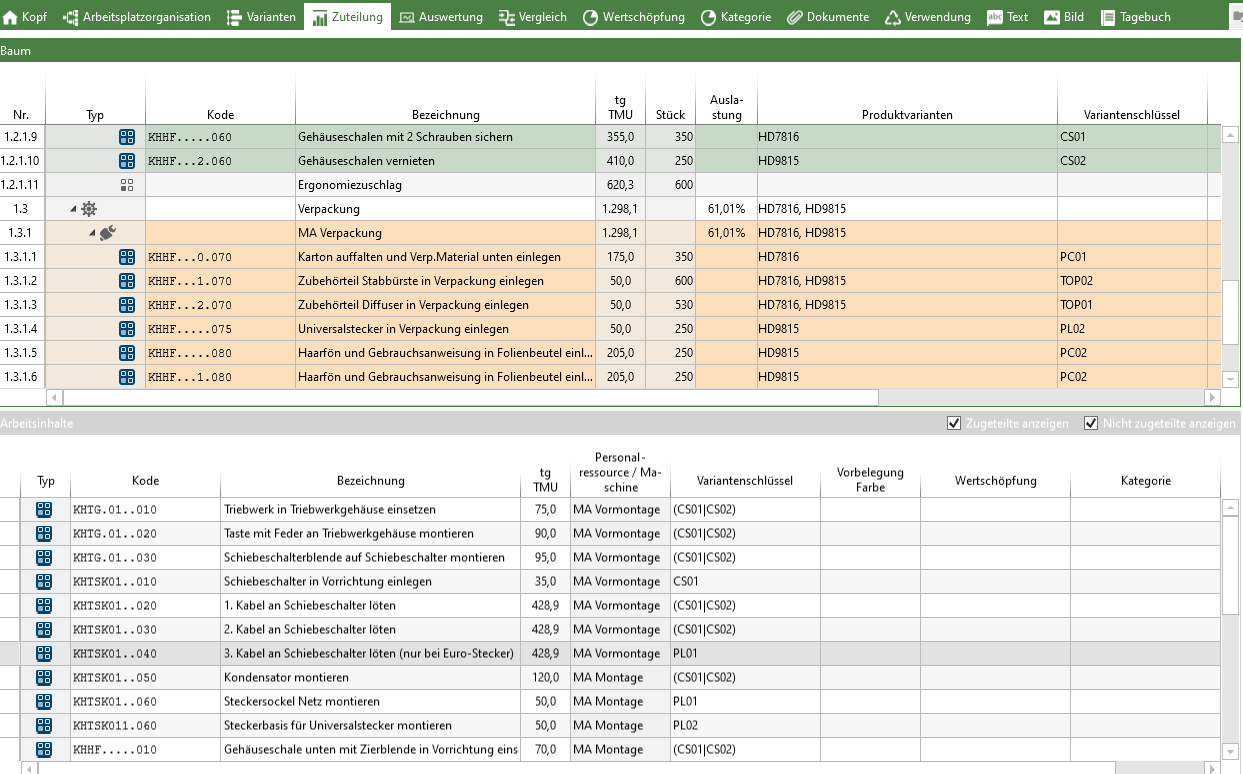
"Assignment" tab of a maximum balancing with shown variant key and product variants
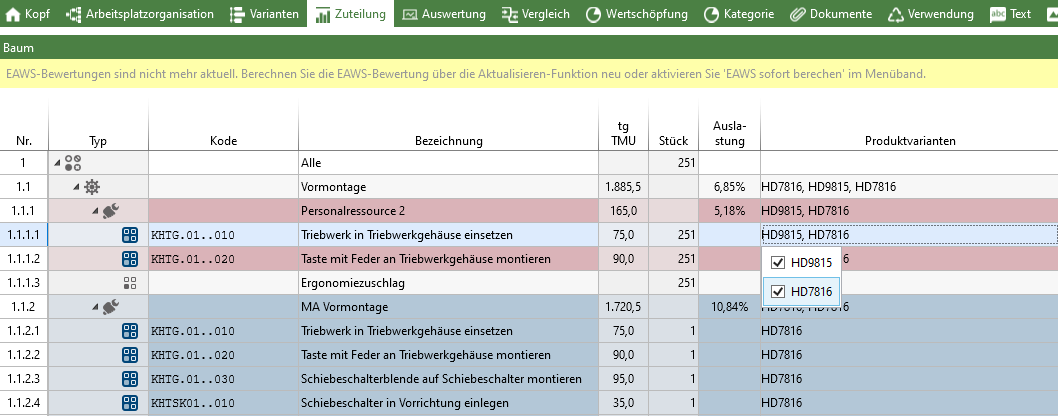
Clicking in the "Product variants" column opens a drop-down menu where you can select the product variant for which an element should be valid.