The simple search is opened in the "Home" ribbon by clicking on the  button. It is used in order to search for elements by code, index, variant, description as well as "Starts", "Includes", "Ends" and "Limitations".
The mask of the simple search looks like this:
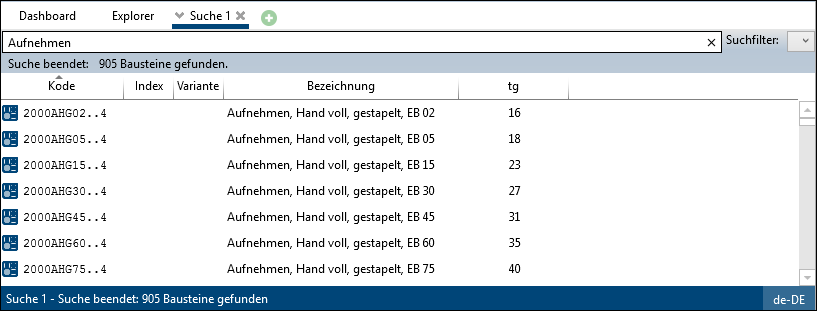
In this example all elements are searched for whose description contains "Get".
To start a simple search, enter text in the search field for a quick search or select a search filter.
Search filters:

Click on the arrow to open a drop-down menu that allows you to apply saved advanced search filters.
If a search filter is selected, the search is performed directly with the saved search criteria.
More about this: Search Filter
Search in:
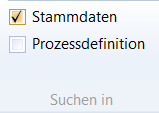
'Search in' in the Search ribbon
In a simple search, you can use the options in the "Search in" area in the ribbon to decide which fields of a process element to search for the entered text.
At least one option must be selected.
A) Master data: Text search in:
▪Code
▪Index
▪Variant
▪Description
B) Process definition: Text search in:
▪Starts
▪Content
▪Ends
▪Restriction
C) Text tabs: Text search in:
▪Text tabs
Please note: |
With option C, all element configurations are searched regardless of whether the text tab descriptions differ. |
For details on the general search functions see General.