The user can assign one or several additional objects to each row of a structure if additional objects have been created for an analysis. To do this, click the corresponding row in the "Additional objects" column. Existing additional objects are chosen from a drop-down menu by clicking the corresponding checkbox. The assigned quantity can be entered manually or changed using the arrows.
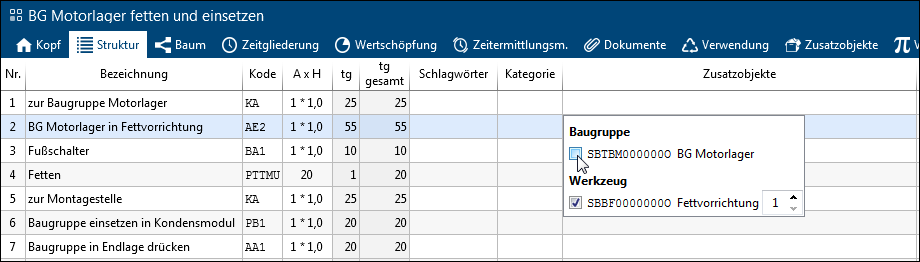
Assignment of additional objects
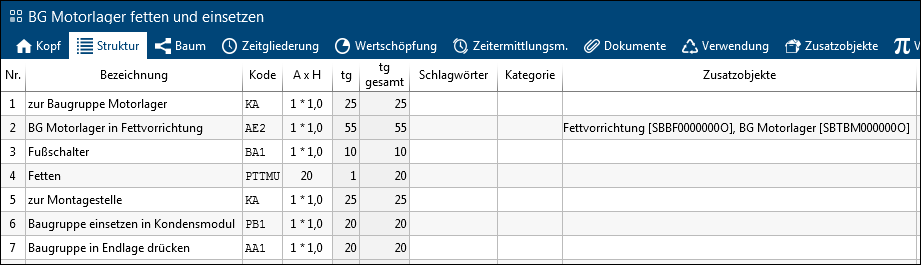
Display of the assigned additional objects
You can also assign additional objects in the Additional objects tab.