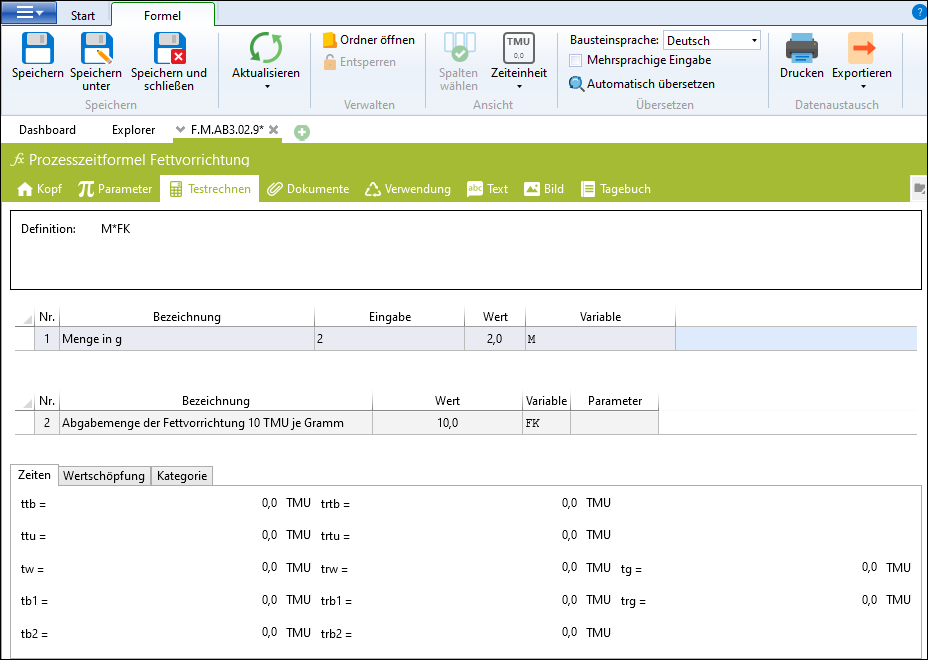
The tab allows a formula result to be calculated with fictitious input values on a test basis. The tab offers the option to calculate a formula result with hypothetical entry values as a test. It is advisable to do this with every new formula in order to check both the value and the time type of the result before releasing the formula for frequent use.
formulaThe test calculation is started using the button Refresh in the Formula ribbon.