There are different options to duplicate an element. To do so, select the corresponding element(s) and use one of the desired functions:
1) Drag & Drop
2) Ribbon \ Rename > Move
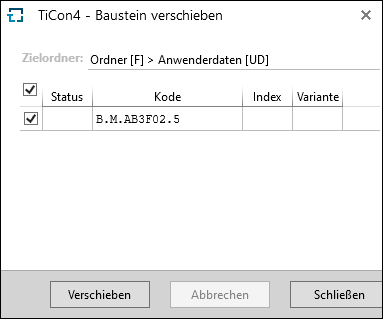
After selecting the function, a dialog appears which displays all marked elements. Here, the user can select the target folder.
Please note: |
When moving an element, the system checks whether the element configuration is allowed in the target folder and if elements of other folders, which are used in the elements to be moved, are allowed. That is why it is important to pay attention to the use of elements when they are moved. It might be necessary to adjust the access rights regarding element configuration and folder usage to be able to successfully move an element. |