When changing tags, the tags of several elements can be changed simultaneously.
Procedure:

Select all analyses, in which additional objects are supposed to be exchanged. |
Open the "Mass changes" menu in the ribbon and select the "Change tags" function.
"Mass changes" menu |
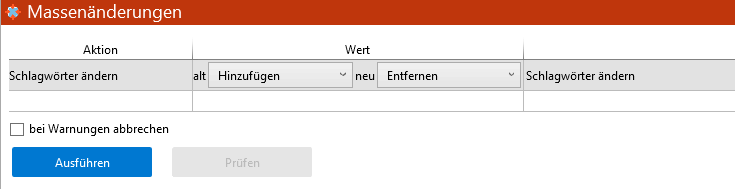

Select the old and new value in the drop-down menus in the "Value" column.
Example: The "Wear Glasses" tag is removed from all selected elements.
|
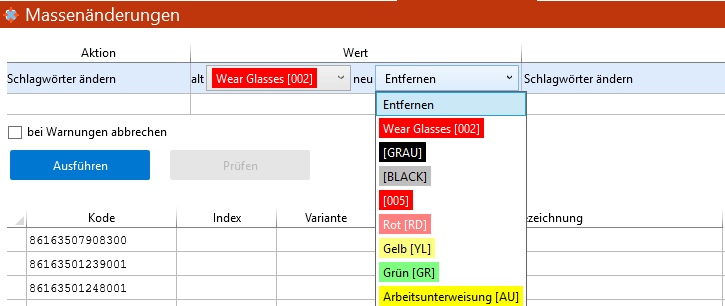
Click the "Execute" button |