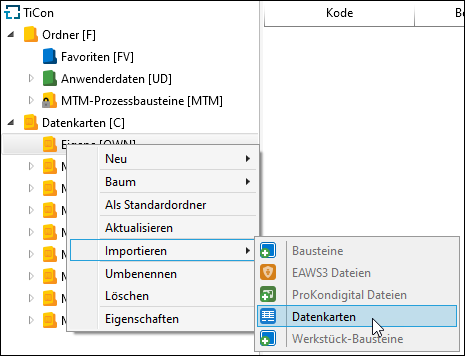
Self-created data cards can be integrated directly below the tree entry <Data cards>. If there are several data cards, it is advisable to create thematic folders and arrange the data cards there. The import is called via the context menu or the ribbon.
Context menu Import |
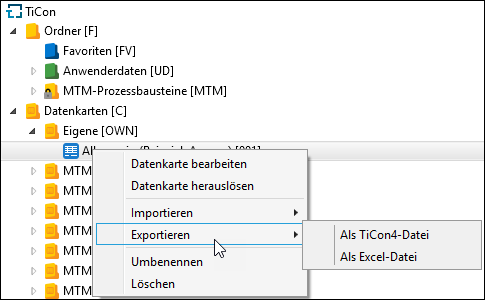
It is possible to export data cards that have been created in TiCon. The possible output formats are the TiCon specific *.t4 or Microsoft Excel (*.xlsx). Data cards that have been exported as Excel files can be edited without using TiCon.
Context menu Export
|