Processes are part of ProKon. The processes used in ProKon can be maintained in the administration here.
Any number of processes can be added; existing processes can be changed or deleted. A code, description, and category must always be assigned for each process. Chapter "Prozesse" provides further information on the use of processes in a ProKon analysis.
Processes can be assigned to the desired methods by activating the checkmarks in the ProKon A and ProKon M/E columns.
Note: |
It is possible to delete processes that are already in use. This prevents them from being used again in the future. The existing usage remains unchanged. |
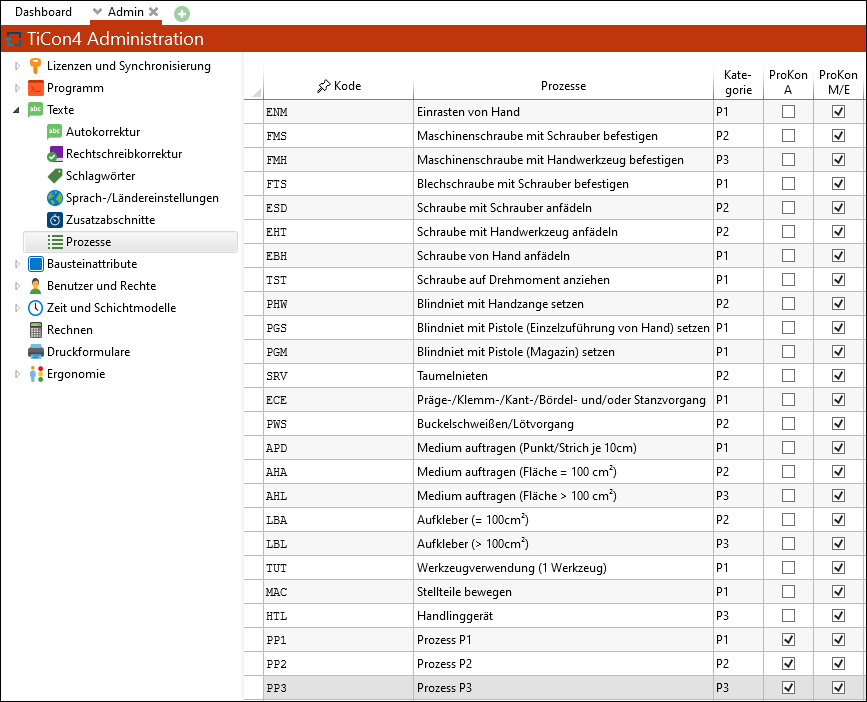
Manage processes