An element factor is used if the same work content occurs several times within a station.
In the tree view, the factor of one or more highlighted elements can be entered or overwritten in the corresponding column. See also: How do I assign a factor?
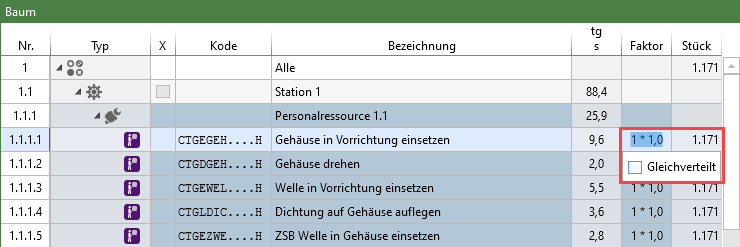
"Evenly distributed" checkbox:
•Elements with the same occurrence in the balancing are divided in such a way that the factor in sum is equal to the entered value.
•If, for example, the factor 1 is entered with two occurrences, the factor 0.5 results, for 3 occurrences the factor is 0.33333, etc. It is sufficient to highlight one occurrence of the element, but it is also possible to highlight several.
•The value, which is entered in connection with "Evenly distributed", is divided by the occurrence. If “Evenly distributed” is inactive, the entered factor is assigned to all selected rows.