There are several ways to create resources. Initially, no processes are assigned to newly created resources.
 1. option: Via the "Assignment" tab
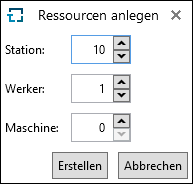
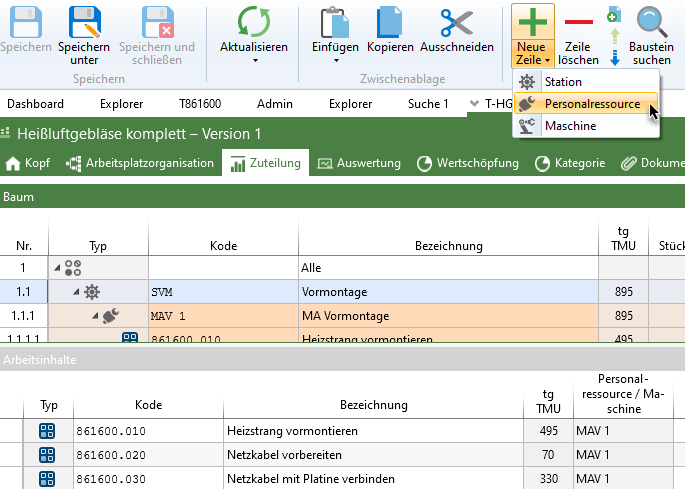
1.The "+" button opens a dialog for creating multiple stations, operators, and machines. This is how to initially create stations, operators, and machines. In the process, the number of stations, operators, and machines is entered. The created resources are local resources. 2.To add additional resources at a later date, select any row and use the "New row" button to select it. |
2. option: A global resource in the "Home" menu
A global resource can be created in the "Home" menu using the "New" button. |
