TiCon4 can be started by double-clicking the program icon  on the desktop, from the program group or by starting the file TiCon4.exe.
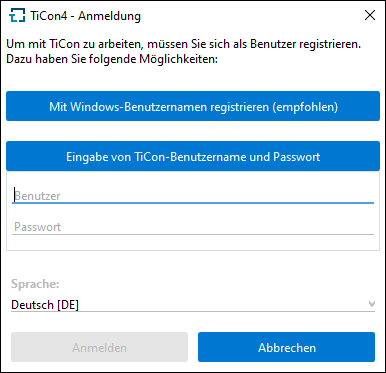
TiCon Login screen
In thelogin screen, the user cannot only enter his login data (user name and password), but also choose the login language. Once you have successfully logged in, the TiCon dashboard will appear. German and English are installed by default. Further languages can be purchased as additional language pack (separate license).
Note: |
For the first use of TiCon, a general user with the name <mtm> and the password <mtm> is defined. For security reasons, a new password is to be assigned to the user to protect TiCon from unauthorized access. |
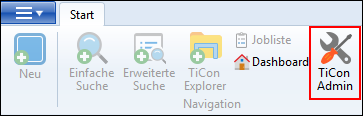
Start TiCon Administration
The chapter License Manager describes in detail how to import and activate a license file.