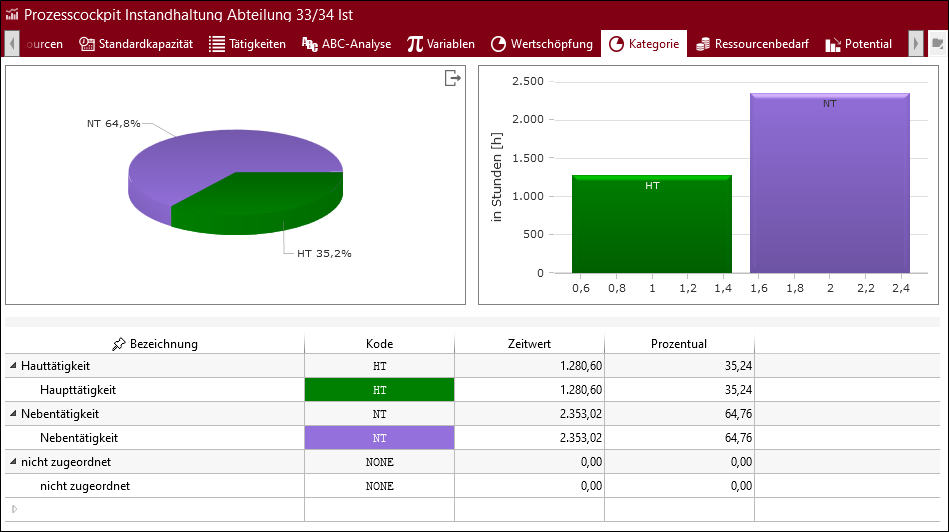
The category corresponds to one of three possible process indicators. It can be created and renamed individually in the administration. In the "Category" ribbon in the "View" area, it is possible to determine how the data is displayed by using the "Mode", "Resource" and "Display" drop-down lists.
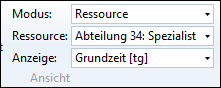
Adjusting the display in the tab