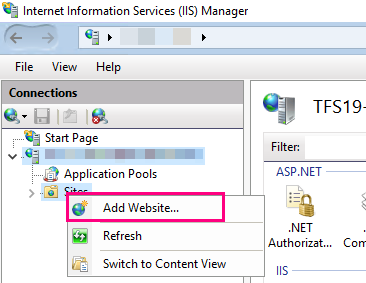
1.Create a new website with the name "TiCon4RestAPI" in the Internet Information Services (IIS) Manager
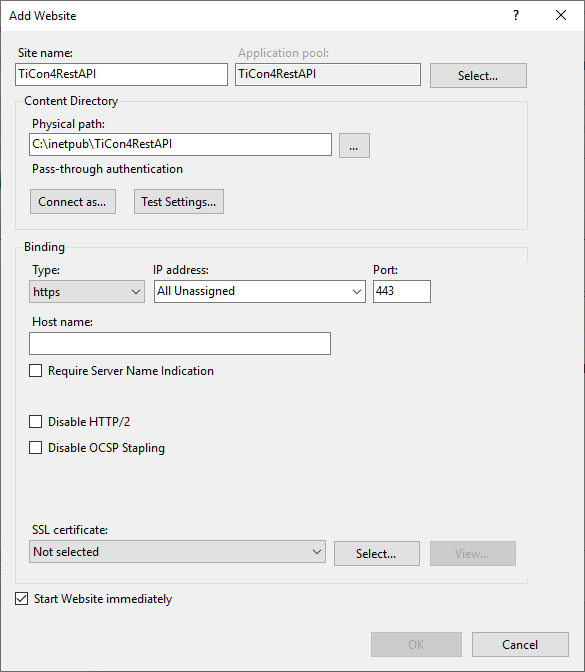
2.Name "TiCon4RestAPI" (important!). Recommended storage location "C:\inetpub\TiCon4RestAPI"
3.Adjust host names and SSL settings if necessary. Only https is advisable because otherwise user names and passwords will be transmitted unencrypted for everyone to see