Element configuration in the delivery state
•Material
•Raw material
•Substance
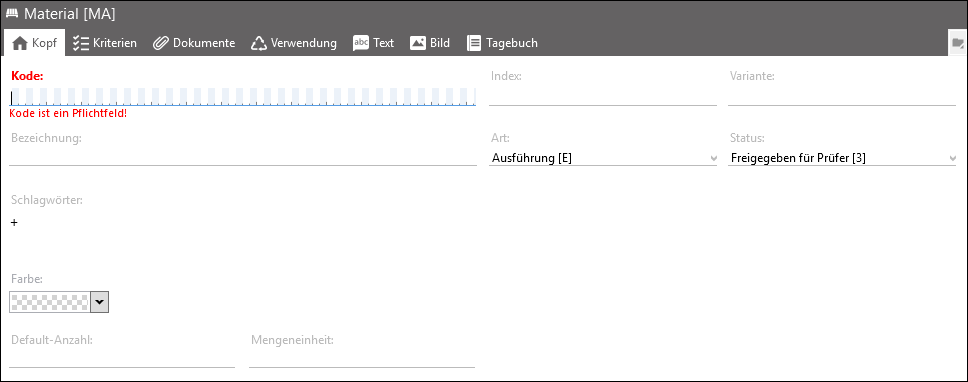
Example for a material
Settings in the Header tab:
•Default number: This value is used as the default value for using an additional object and can be overwritten there.
•Quantity unit: free text entry
 Hints for use with time studies
All element configurations of the element type Material can be used as work pieces in a time study. The following criteria should be enabled at the element configuration for their use to be displayed in the time study: •Substance •Condition for input •Drawing number •Material no. •Dimensions, shapes, weights |