If the database was connected correctly, a message about the incompatibility of the program and version is displayed at the TiCon start, depending on the database:
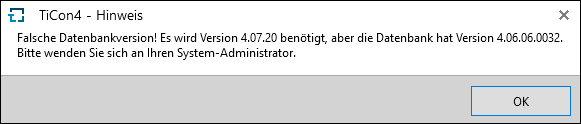
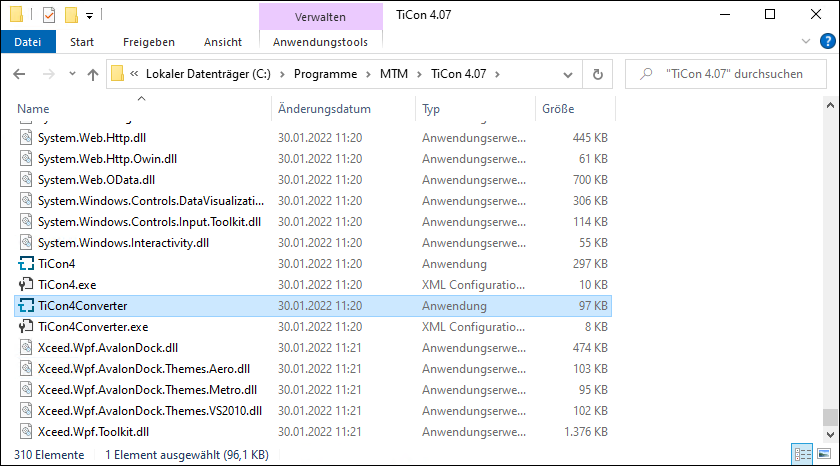
Close this message. To converrt the database to the new version, open the converter app TiCon4Converter.exe(at C:\Program Files\MTM\TiCon 4.xx) via double-clicking or from within the program group.
The conversion program detects the current version of the database and enables the permitted options.
Then click on the Convert button to start the conversion.
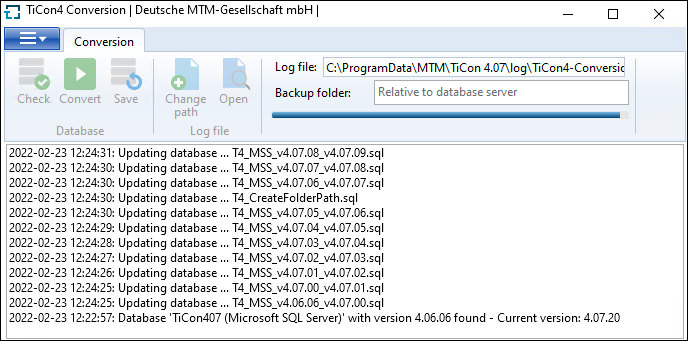
Conversion in progress...
The successful conversion is displayed to the user in the status window. After the conversion is complete, close the converter and start TiCon.
Every database only has to be converted once. For server versions, this means that the conversion is only carried out once from an installed client.

The TiCon4-Conversion.log file is generated for each conversion. It contains the following data: ▪Starting point (Conversion started with log file) ▪Database storage location ▪Database Catalog Name ▪Initial version of the database ▪Target version of the database ▪Build used for the conversion |