A document can be linked to several elements and can therefore be used with several elements. Drag & Drop can be used to link document elements.
Possible sources for Drag & Drop:
•Explorer
•Search
•Tab Documents of another element
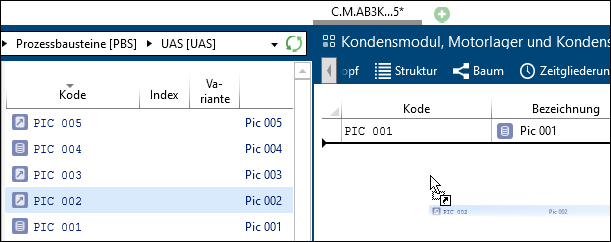
Drag & Drop of a document from Explorer to Document tab
Simple Drag & Drop in the Tab Documents links documents. No copy of the document is created.